 Smart Tab Organizer
Smart Tab Organizer
Groups browser tabs by hostname using user-defined rule sets — named workflows, live color preview, and quick popup controls for organizing, reordering, grouping, and ungrouping tabs.
Available on the Chrome Web Store →
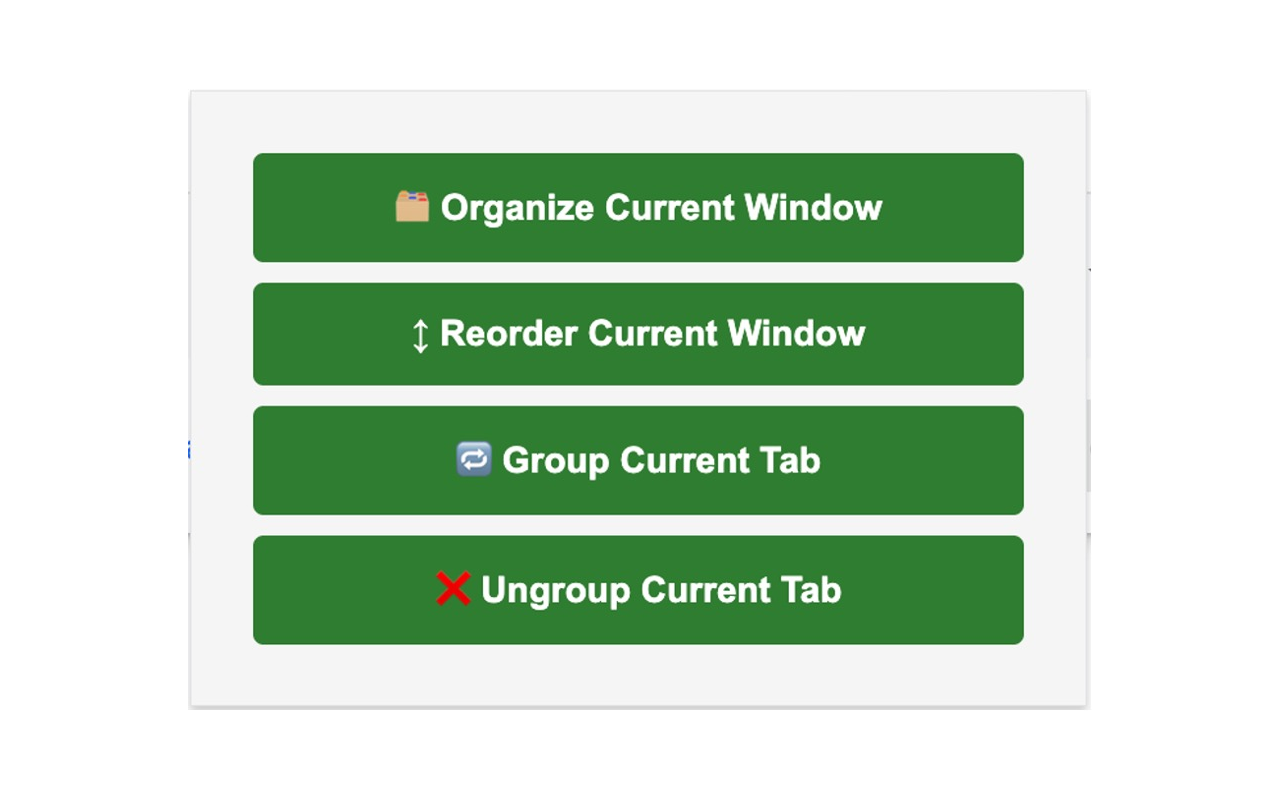
One click each for Organize, Reorder, Group, and Ungroup — scoped to the current window or tab.
Features
- Named rule sets — maintain multiple workflows and switch between them from the options page.
- Sync across devices — opt-in sync of settings via Chrome storage, disabled by default.
- Live color preview — see group colors and ordering before saving your rule set.
- Popup actions — organize, reorder, group, ungroup, and clean up empty groups in one click.
- Unmatched fallback — optionally collect unmatched tabs into their own named group.
- Ignore pinned tabs — keep pinned tabs out of automatic grouping entirely.
Screenshots
Popup — one-click organize, reorder, group, and ungroup.
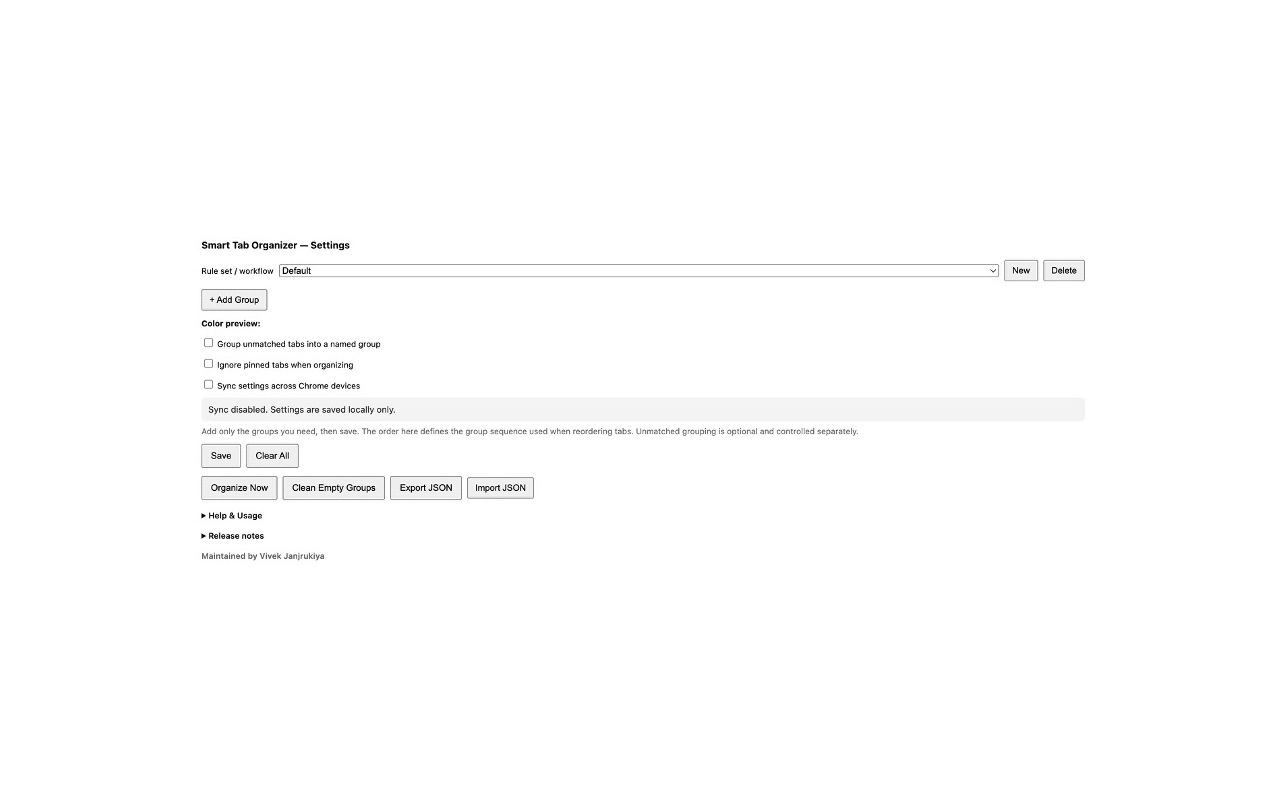
Options page — named rule sets, group ordering, sync/ignore-pinned preferences.
Install
Easiest way: install directly from the Chrome Web Store.
Or load unpacked (for development/testing)
- Open
chrome://extensions/(oredge://extensions/). - Enable Developer mode.
- Click Load unpacked and select the cloned repository folder.
- Open the extension's options page via the extensions menu and configure your rule sets.
Rule syntax
Add one rule per line inside a group. Supported formats:
contains:github — matches any hostname containing "github"*.google.com — wildcard subdomain matchregex:^mail\. — full regex matching for advanced casesPrivacy
Smart Tab Organizer only accesses tab URLs/hostnames and your own saved rule configuration — nothing leaves your browser.
- No data is sold, shared with third parties, or used for advertising/profiling.
- Settings are stored in
chrome.storage.local(and optionallychrome.storage.syncif you opt in) — processing happens entirely in the browser. - No developer-controlled server, and no remote code is used for core functionality.
Release notes
1.0.0 — 2026-06-19
- Initial public release.